Find Dental CE by Category Fast
The Goal
Dental Learning is a continuing education platform, and the main problem was discoverability: with lots of course content, it needed to be much easier for dentists (and the broader dental team) to find the right course by topic.
Our goal was to make course discovery feel obvious and low-friction—especially category browsing—so users could quickly narrow down what they’re looking for and confidently click into a course page.
Tools Used


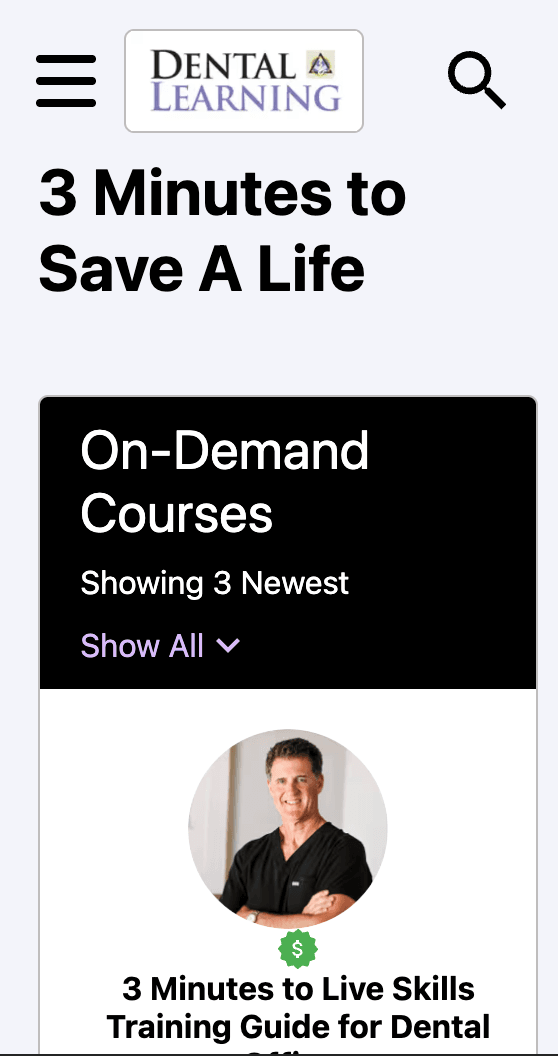

Delivered Value
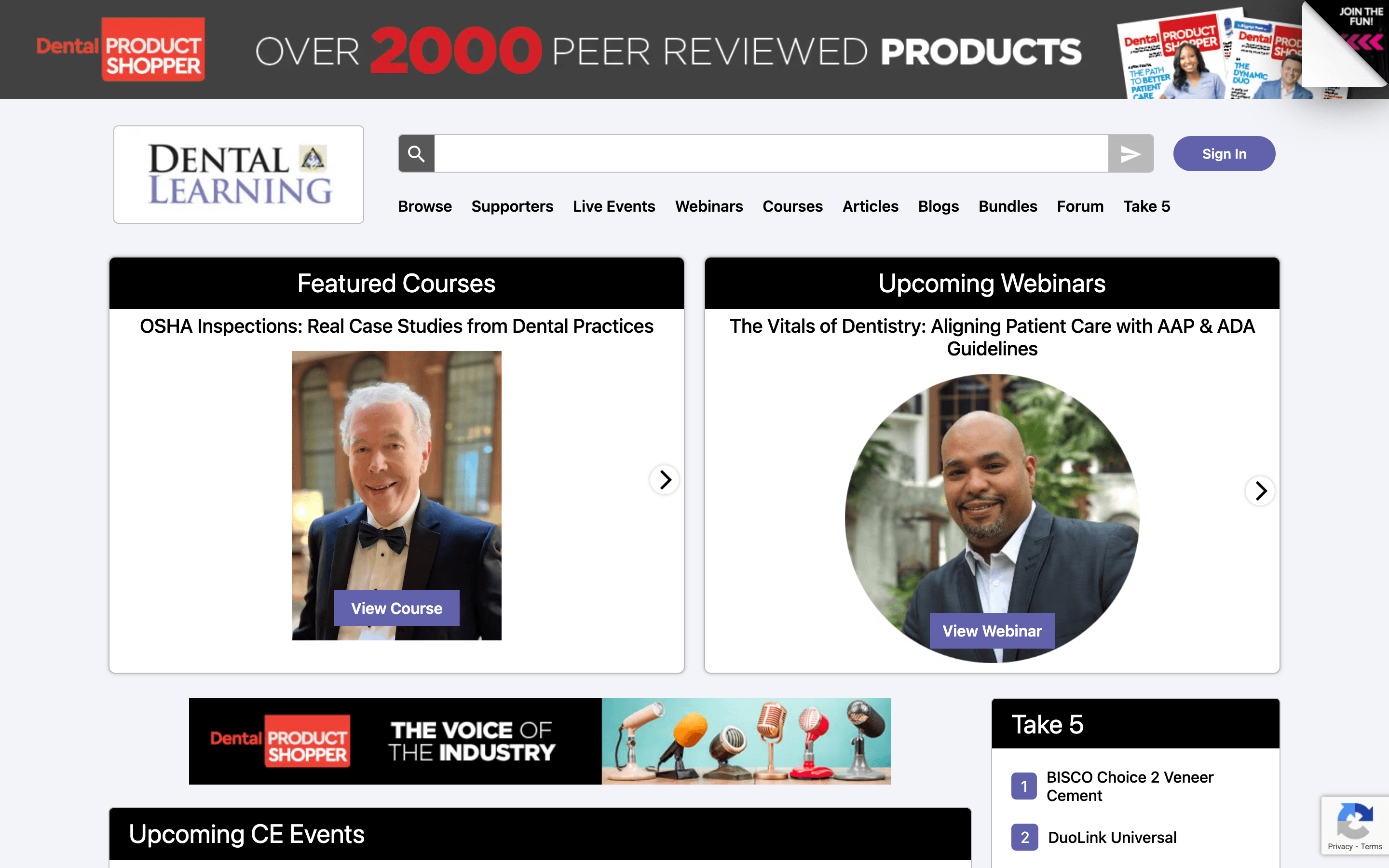
We centered the experience around category-first discovery and consistent browsing patterns, so users can start broad (“what topic am I learning?”) and quickly get specific. That reduces time spent hunting and increases confidence that they’re in the right place.
We also focused on clarity once a course is found: course pages should surface the essentials (like categories, audience, and learning objectives) in a predictable layout, so users can decide faster and move forward.
Courses + events discovery
Users can browse continuing education and dental events by topic category. That makes it easier to explore what’s coming up without starting from scratch. It supports both planned learning and last-minute discovery.
Stronger filtering
Search and filters help narrow down courses, webinars, and events quickly. Users can focus on the most relevant options instead of scrolling endlessly. It’s especially helpful when browsing by category.
Clear event details
Event listings surface the essentials so users can decide faster. Details are organized consistently so it’s easy to compare options. That reduces friction from discovery to registration.